
Apples, Cookies & Common Sense
Loading Issue 1…
Enlarge the lettering, then pan sideways.
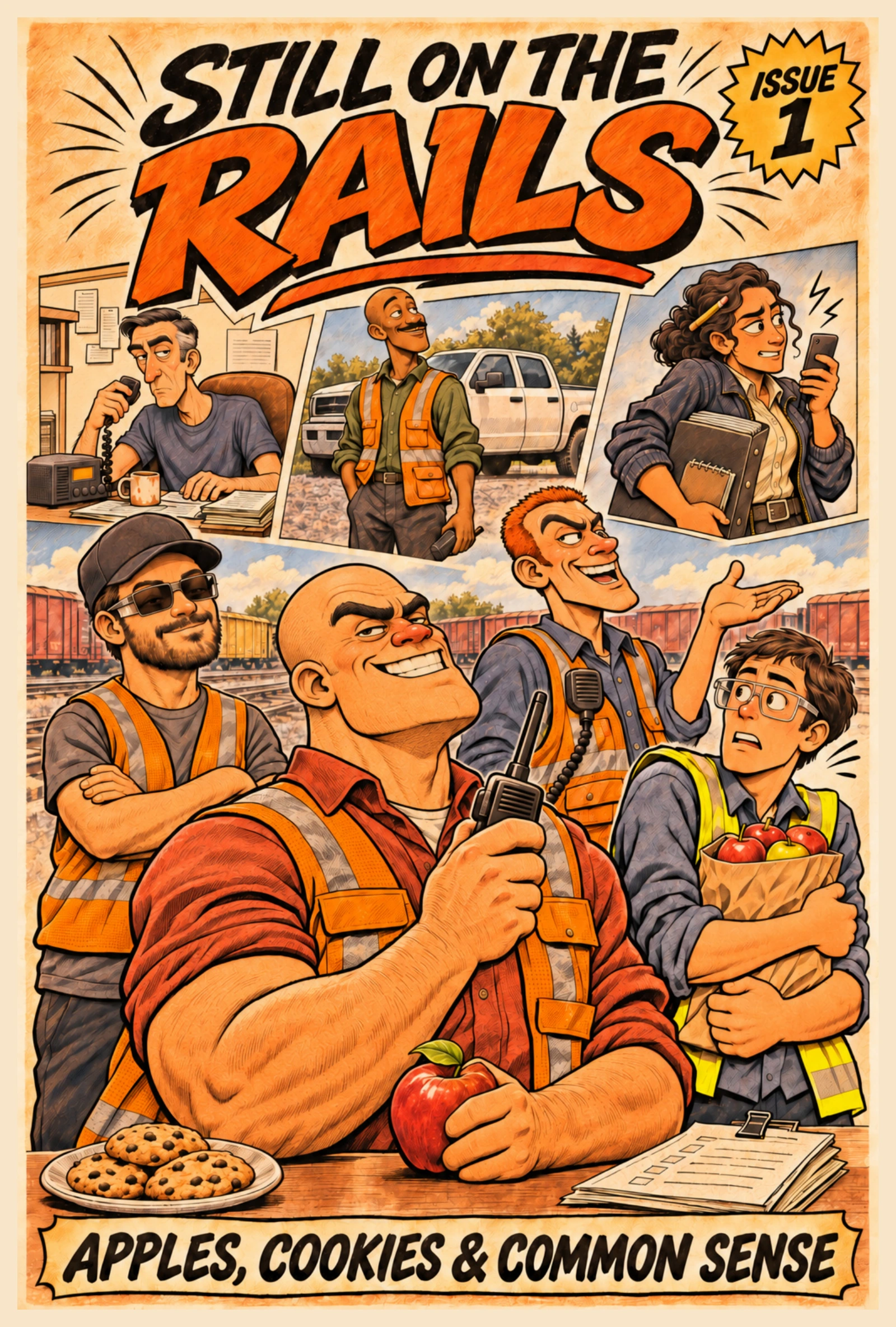
1 / 12
Click or tap the comic to read the next page. Use Zoom + to enlarge the lettering, then swipe sideways or drag to pan. Fit restores the page width. Keyboard arrows turn pages; when the enlarged comic is focused, they pan instead. Enter or Space turns the page. Press Escape to fit.
Jump to a page
SAME CREW. MORE QUESTIONS.